
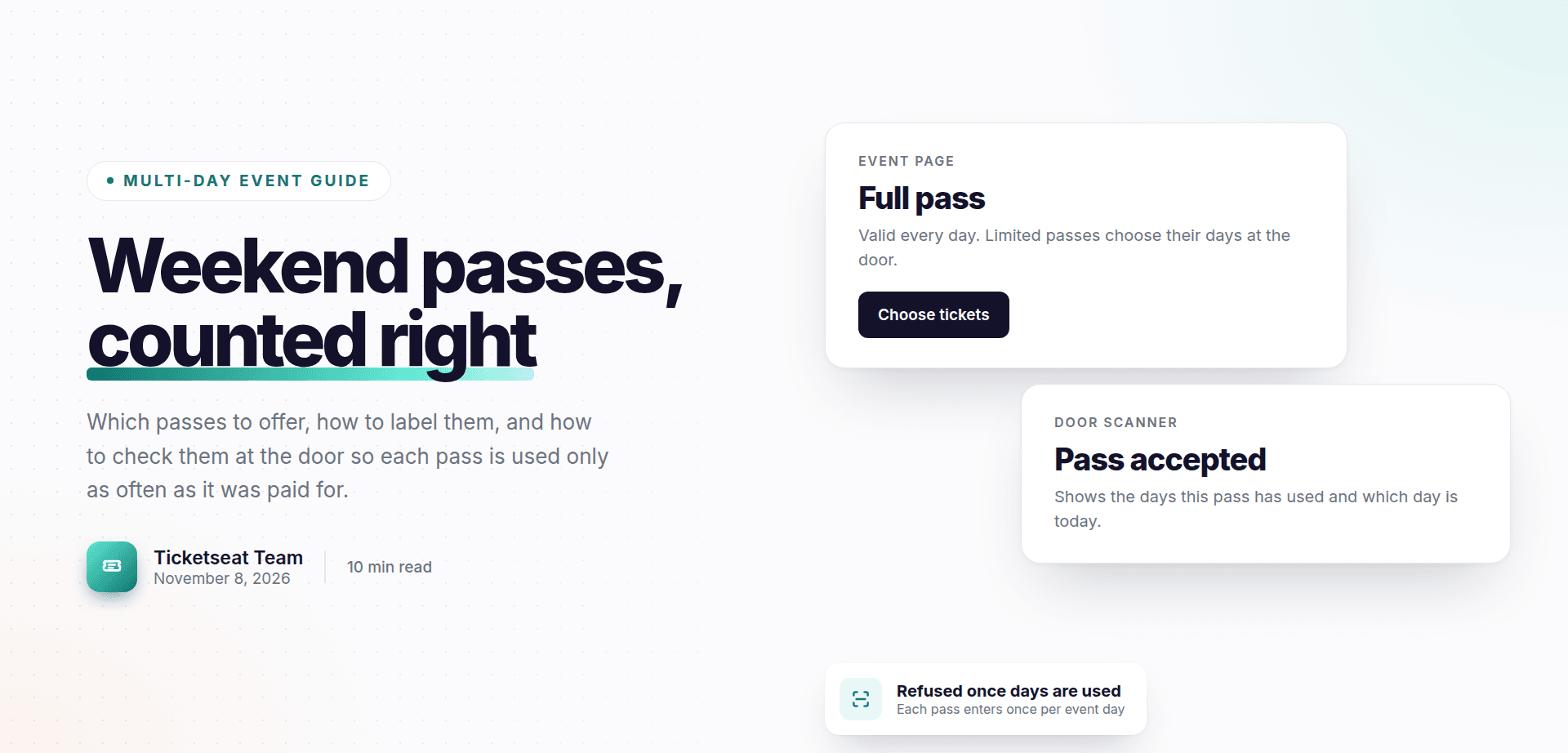
Selling multi-day event tickets takes more thought than selling a ticket for a single night. You cannot just put one ticket on sale and multiply it. A three-day folk festival, a two-day conference or a week-long comedy run each raise the same questions. Which passes should you offer? How should they be priced? And how do door staff know, at a glance, whether a pass has already been used today or has run out of days?
This guide walks through the whole job, from choosing pass types to running the door on the night. It also covers the small problems that cause big queues: guests who don't know which days they'll come, shows that finish after midnight, and passes used more times than they were paid for.
Which multi-day event tickets should you offer?
Most multi-day events use some mix of three structures:
- Full event pass. Valid on every day of the event. Often called a weekend pass on a Friday to Sunday event.
- Pass for a set number of days. For example, a 2-day pass on a three-day festival, or a 3-day pass on a five-day conference.
- Single day ticket. Valid on one named day only.
Which structure suits which event
| Event type | What usually works |
|---|---|
| Weekend music or arts festival | Full pass plus day tickets, sometimes a 2-day pass |
| Multi-day conference | Full pass plus a pass for a set number of days |
| Comedy or theatre run | Single performance tickets, with an optional multi-show pass |
| School or community event | Full pass for families plus single day tickets |
A weekend festival with a different headliner each night often sells plenty of day tickets, because some people only care about one band. A conference tends to sell mostly full passes, with a cheaper option for people who can only get two days off work. A school fete over a bank holiday weekend may only need a family full pass and a single day ticket.
Keep the range small
It is tempting to offer every combination. Resist it. Five or six pass types slow buyers down at checkout, and they confuse door staff who have to read each scan result in a hurry. Two or three clear options will cover almost every event. If someone needs something unusual, handle it as a one-off.
How to price day passes, weekend passes and full passes
Day pass pricing works best as a ladder. Each step up should feel worth it, and the top step should feel like the obvious deal.
Price the full pass below the separate days
The full pass should always cost less than buying every day separately. If it doesn't, nobody has a reason to commit early, and you lose the security of knowing who is coming all weekend.
Build a simple ladder
Take your single day ticket as the base price and work up from there.
A two-day event:
- Single day ticket: the base price.
- Full pass: noticeably less than two day tickets, but clearly more than one.
A three-day event:
- Single day ticket: the base price.
- 2-day pass: less than two day tickets.
- Full pass: less than three day tickets, and enough above the 2-day pass that the extra day feels like a bargain.
A useful test: look at the gap between each step. If the 2-day pass and the full pass are almost the same price, nobody buys the 2-day pass. If the gap is too large, nobody upgrades. Adjust until each option has an obvious buyer.
Early bird and concessions
Early-bird pricing works particularly well on full passes. The people most likely to buy early are your most committed fans, and they usually want the whole event anyway. Set a clear deadline and stick to it.
For concessions, decide whether they apply to every pass type or just some. Many organisers offer concession day tickets and a concession full pass, but skip a concession 2-day pass to keep the range short.
Watch how discounts stack
If you run promo codes, check them against your pass prices. A code meant for day tickets can turn a discounted full pass into a loss if it applies to everything. For more on structuring codes so they help sales without eating your margin, see this guide to event promo code strategies that drive ticket sales.
Fixed days or flexible days: let guests choose at the door
When you sell a 2-day pass on a three-day event, there are two ways to run it.
The problem with choosing days at checkout
The first approach asks buyers to pick their days when they pay. It sounds tidy, but plans change. Someone books Friday and Saturday in March, then a wedding invitation arrives for the Saturday. Now they email asking to swap to Sunday. Multiply that by a few hundred buyers and you have a full-time admin job in the weeks before the event.
The flexible approach
The second approach lets a guest with a limited pass decide which days to come when they turn up. A 2-day pass simply means "any two days". The buyer doesn't have to guess months ahead, and you don't have to process swaps. In Ticketseat, guests with a limited pass choose which days they come at the door, not at checkout.
This works well for festivals, conferences with repeated sessions, and community events where people drop in. It also makes the pass easier to sell, because flexibility is a selling point in itself.
When fixed days still make sense
Fixed days are still right when the days are genuinely different products. If Saturday has a sold-out headliner and limited capacity, sell it as its own day ticket and keep it out of the flexible passes. That way a flexible pass can never overload your busiest day.
Writing pass names buyers understand at a glance
Most questions in your inbox come from unclear pass names. The fix is simple: put the rules in the name.
Good examples:
- "Full pass, valid every day"
- "2-day pass, enter on any 2 days"
- "Saturday day ticket, Saturday only"
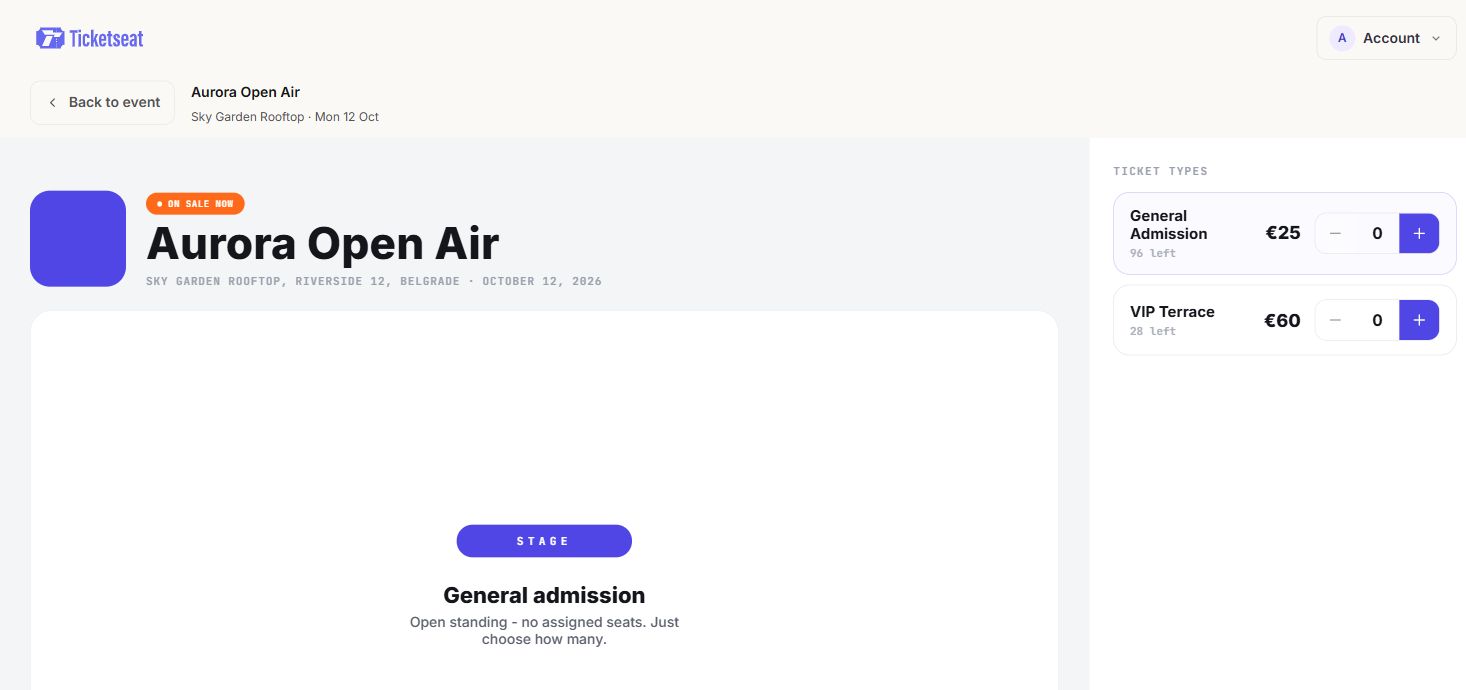
On a Ticketseat event page each pass is labelled in this way, for example "Full pass, valid every day" or "2-day pass, enter on any 2 days", so buyers see exactly what they are getting before they pay.
Wording to avoid
- "Weekend ticket" when the event runs Friday to Sunday. Does it include Friday? Buyers will guess differently.
- "Standard pass" or "General pass". Standard compared with what?
- "VIP" with no detail. Say what it includes and which days.
Repeat the rules everywhere
Don't rely on the event page alone. Repeat the pass rules in your confirmation emails, in social posts and in a reminder email a few days before the event. A single line such as "Your 2-day pass gets you in on any two days. You choose when you arrive" will prevent a surprising number of questions.
Checking multi-day passes at the door
Scanning multi-day passes at the door is where most problems surface. A single-night ticket is easy: it has either been used or it hasn't. A multi-day pass is harder. Has this pass already come in today? Has it used both of its two days? A volunteer on the door cannot tell by looking at a QR code or a printed name.
How the Ticketseat scanner handles it
The Ticketseat scanner lets a pass in once per event day, up to its number of days, and refuses it once all its days are used. The scan result shows which days the pass has already used and which day is today. That means staff can explain a refusal calmly, with the details in front of them, rather than arguing with a guest about what happened yesterday.
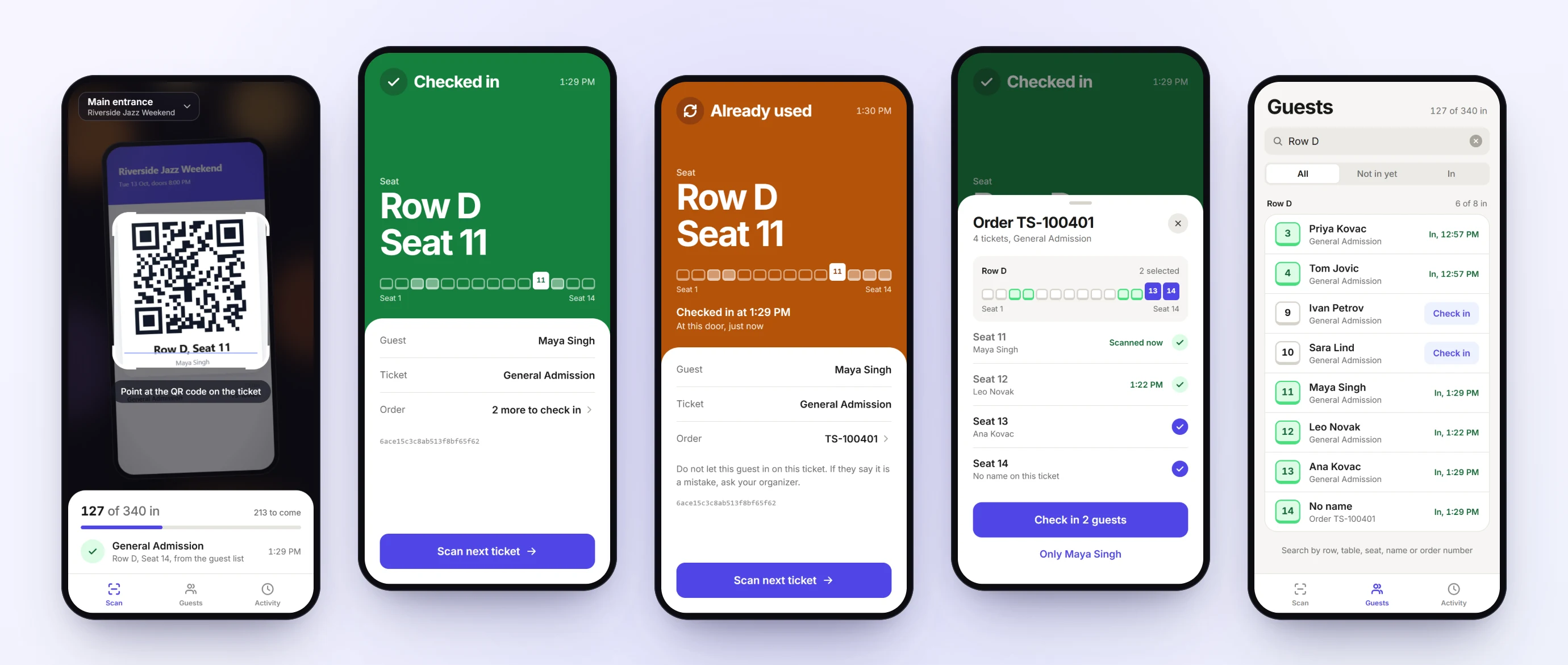
You can read more about the phone scanner and door links for staff.
Brief your door team on the two refusals
There are two different reasons a multi-day pass can be refused, and they need different responses:
- Already used today. The guest has come in once today. Ask whether they left and came back, and follow your re-entry policy.
- All days used. A 2-day pass has already been used on two days. The guest may have miscounted, or someone else may have used it. Point to the days shown on the screen and offer a day ticket if you have them.
Spend five minutes running through both cases before doors open. It saves a lot of awkward conversations later.
Keeping the queue moving
On a festival morning, full pass holders, 2-day pass holders and day ticket buyers all arrive at once. Open more than one scanning point if you can, and put your most confident staff member on the busiest lane. For wider advice, see these event check-in tips to cut queues on show night.
Late nights: when does an event day end?
Here is a problem many organisers only discover on the night. A Friday show runs until 1am. A guest with a 2-day pass arrives late and is scanned at 00:30. If the system treats that as Saturday, the guest has lost a day they meant to spend on Sunday.
In Ticketseat, a late night past midnight still counts as the same event day until 06:00. A scan at 00:30 after a Friday show is a Friday entry.
Plan around the cut-off
- Late arrivals. Guests arriving after midnight for the last set still use that evening's day, not the next one.
- Re-entry. If someone steps out at 23:45 and comes back at 00:15, it is still the same event day.
- Early starts. If your event has an early morning programme, such as a sunrise yoga session at a camping festival, remember the new day begins at 06:00.
Tell guests about this in advance. A line on the event page and in the reminder email is enough: "Late nights count as the same day until 6am."
Stopping pass sharing and misuse on multi-day events
Most misuse on multi-day events is low-key rather than organised. Typical examples:
- A guest with a 2-day pass skips Saturday and lends the pass to a friend, then expects to use it themselves on two more days.
- Two people try to get in on one pass on the same day, one after the other.
- A screenshot of a full pass is passed around a group chat.
How day-based scanning helps
When every pass is limited to one entry per event day and to its total number of days, most of these problems take care of themselves. A pass lent to a friend on Saturday still counts as a used day, so the owner cannot then use it on two more. A second person trying the same pass on the same day is refused. A shared screenshot only gets one person in per day.
Simple extras for small events
- Wristbands for re-entry. Scan once on arrival, then give a wristband for that day. Staff check wristbands for people popping in and out, and the scanner stays free for new arrivals.
- Clear transfer terms. Decide whether passes can be transferred, and say so on the event page. Some organisers allow transfers before the event but not once it has started.
- A named contact on the door. Someone who can make a decision on disputed passes, so the queue keeps moving.
For a deeper look at resale, fake tickets and touting, read this guide on how to prevent ticket fraud and scalping at your events.
Multi-day ticketing checklist before you go on sale
Run through this list before tickets go live:
- Pass types. Decide on two or three passes and the number of days each one covers.
- Price ladder. Check that the full pass is cheaper than the separate days, and that each step up is worth it.
- Early bird. Set a deadline, and check how it interacts with any promo codes.
- Fixed or flexible. Decide whether limited passes work on any days, and whether any day should be sold separately.
- Pass labels. Put the rules in the name, such as "2-day pass, enter on any 2 days".
- Event-day rules. Write down when each day starts and ends, including the late-night cut-off, and add it to the event page.
- Door test. Test-scan a pass on a phone before day one, including a pass that should be refused.
- Staff briefing. Explain the difference between "already used today" and "all days used".
- Common questions. Prepare short answers on swapping days, upgrading from a day ticket to a full pass, and refunds.
If you are setting up passes for the first time, it helps to see what is available before you commit. Ticketseat's pricing page shows that you can start setting up an event for free.
How Ticketseat helps
Ticketseat is built to make multi-day event tickets straightforward for small organisers. You can sell a full pass, valid every day, or a pass for a set number of days, such as a 2-day pass. Guests with a limited pass choose which days they come at the door, not at checkout, so there are no swap requests to process. Each pass is clearly labelled on the event page.
At the door, the scanner lets each pass in once per event day, up to its number of days, refuses it once all its days are used, and shows which days it has already used and which day is today. Late nights past midnight count as the same event day until 06:00.
Start free at ticketseat.io and set up your first multi-day pass today.
Ticketseat Team
Sharing insights about event ticketing, platform updates, and industry best practices.
Related Articles
View all
How to Email Event Attendees: Updates, Reminders and Templates
A practical guide to the emails you send after the sale: event day information, messages to specific ticket types, and change or cancellation notices, with copy-ready templates and a pre-send checklist.
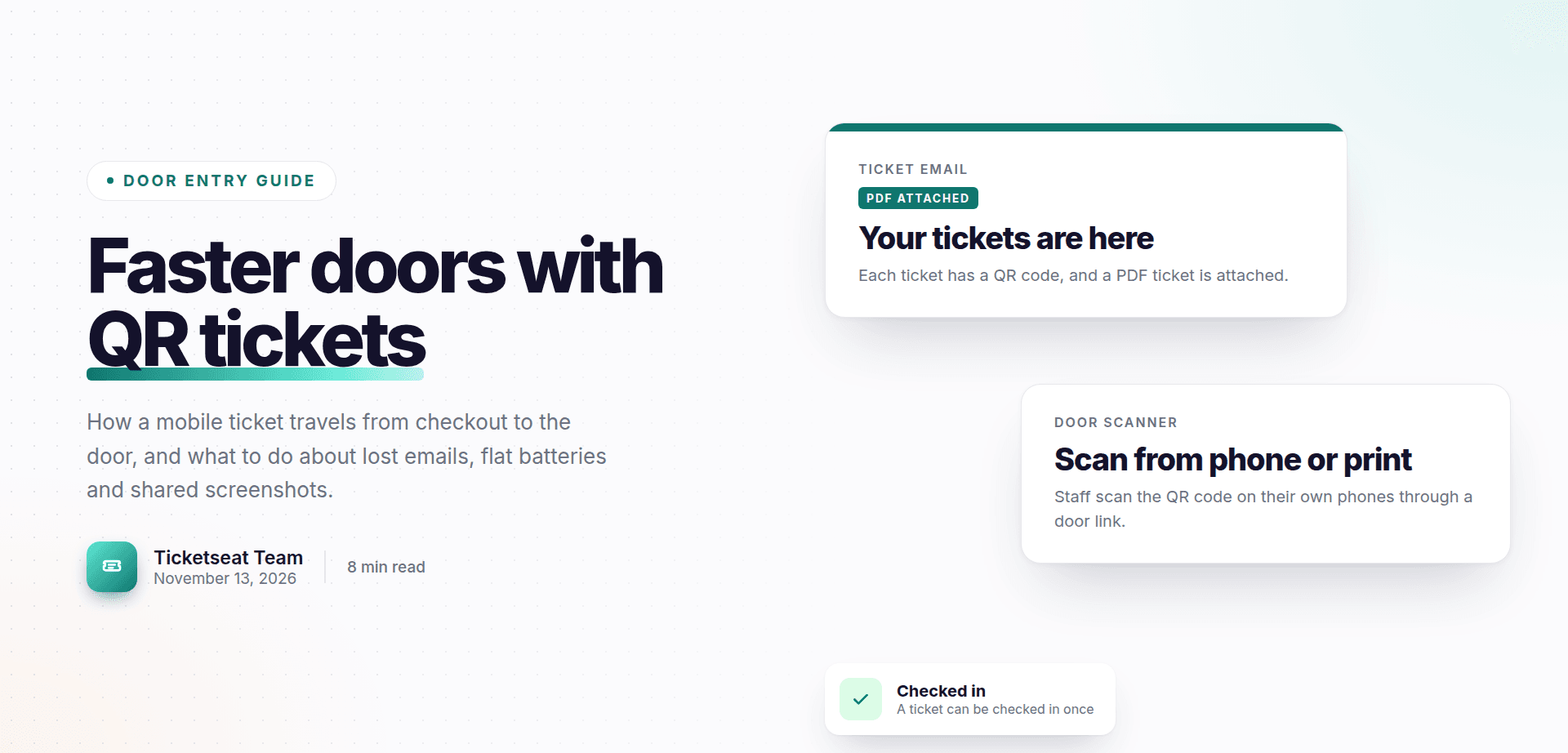
Mobile Tickets for Events: How QR Code E-Tickets Work
A plain-English walk through the life of a mobile ticket: from checkout and email to the QR code, the PDF backup and the scan at the door, with fixes for lost emails, flat batteries and shared screenshots.
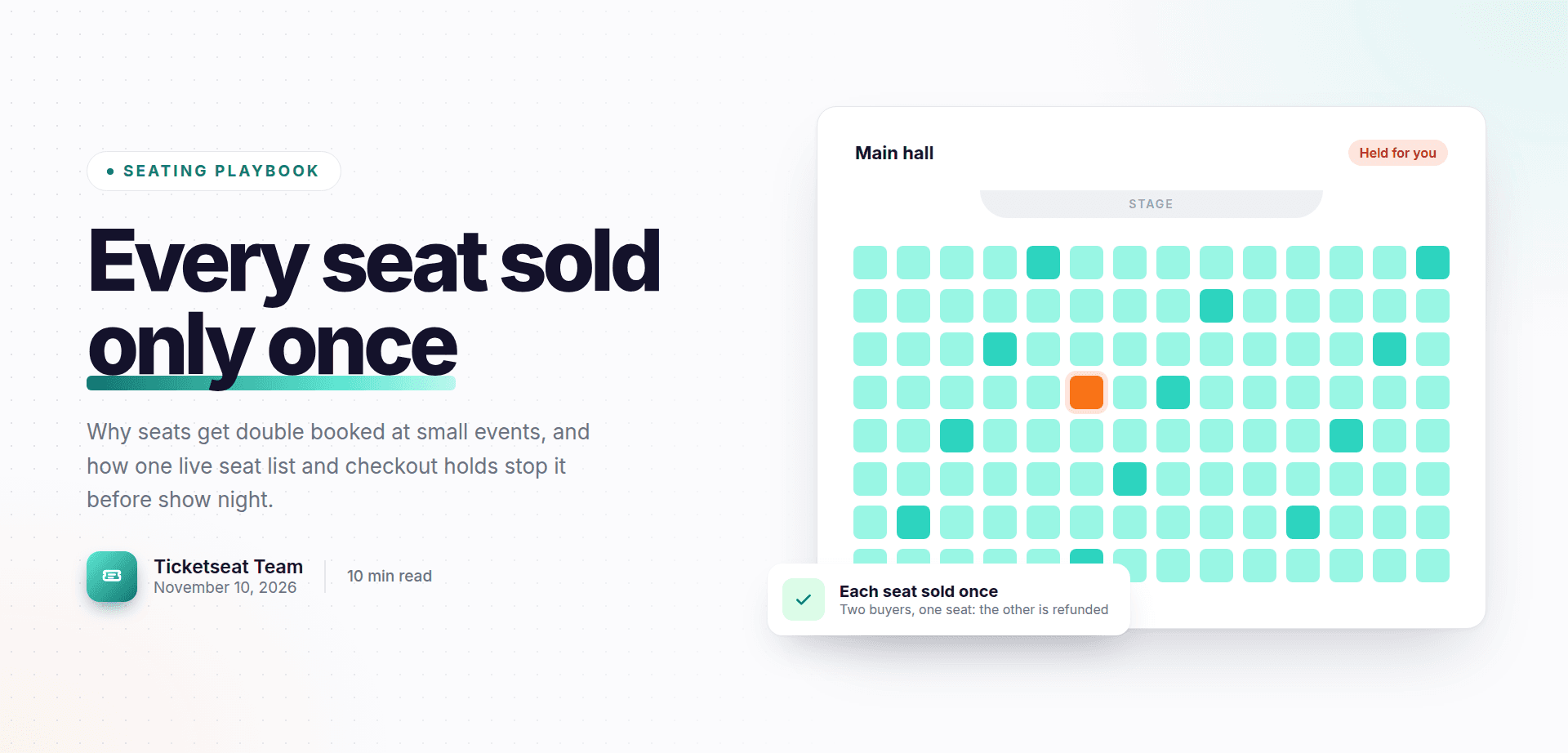
How to Prevent Double Booking Seats and Overselling Tickets
Why seats get double booked at small events, how to stop it with one live seat list and checkout seat holds, a pre-on-sale checklist and a calm script for show night.
Compare Ticketseat
See how Ticketseat stacks up against other ticketing platforms.
Ready to Transform Your Event Ticketing?
Create your event page, sell tickets with seat maps, and scan guests in at the door. Free to start.