
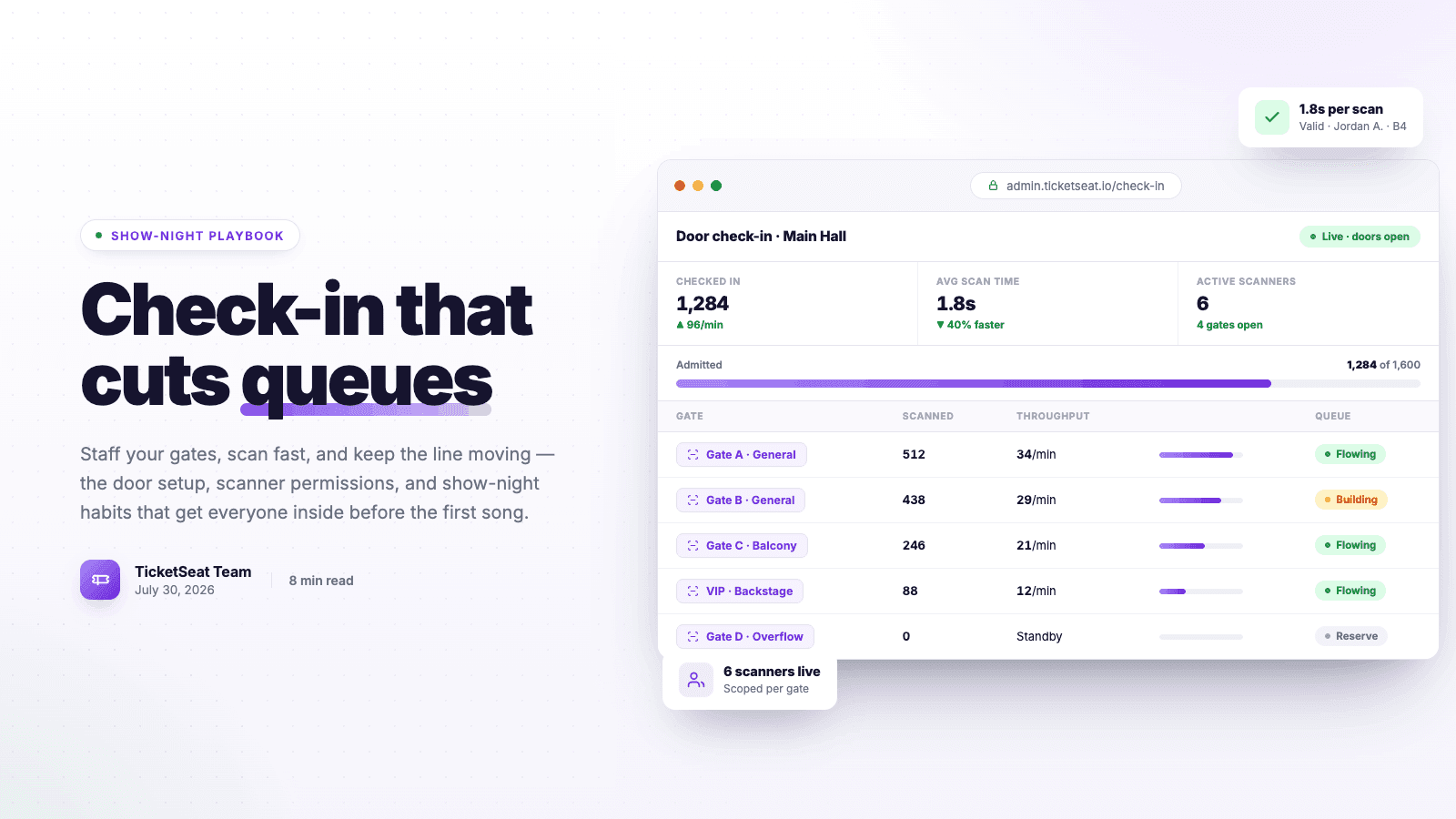
Efficient event check-in is the very first impression attendees get of your show, making it a critical component of a successful night. Long lines and confusing entry protocols instantly kill the mood and frustrate both guests and organizers. By streamlining your entry management and equipping your team with modern tools, you can permanently cut queues and get guests to their seats faster.
The Hidden Costs of Poor Entry Management
Many event organizers pour all their energy into ticket sales, marketing, and the main stage production, only to neglect the physical reality of getting hundreds or thousands of people inside a building. When your event check-in process fails, the effects ripple through your entire operation.
First, slow lines immediately slash your on-site revenue. Every minute a guest spends standing outside is a minute they aren't at the bar buying drinks or at the merchandise table buying apparel. Second, start times get delayed. If the opening act is about to step on stage but half your ticket holders are still wrapping around the block, you're forced to push the schedule back, which can trigger strict venue curfew penalties. Finally, a poor entry management experience guarantees negative post-event reviews. Attendees want to feel the excitement of the show, not the exhaustion of an airport security line.
Pre-Event Blueprint for High Check-In Speed
The most effective way to eliminate bottlenecks happens days before the venue doors actually open. Organizing your layout, training your team, and picking the right technical setup will determine your overall check-in speed.
Segmenting Your Ticket Types
If you want a smooth door, you cannot treat every attendee exactly the same. You need dedicated lanes. When you initially formulate your strategy on How to Sell Tickets Online: Complete 2026 Guide, you likely segmented your audience into General Admission, VIP, and complimentary tickets.
Reflect those segments at the physical entrance. VIP guests expect expedited entry, so they require a dedicated lane. The box office—where attendees buy last-minute tickets, resolve payment issues, or handle will-call—must be entirely separate from the main scanning lanes. Never force guests with valid, ready-to-scan tickets to wait behind someone disputing a credit card charge.
Designing the Physical Entrance Layout
Physical flow dictates check-in speed. The most common mistake venues make is combining security bag checks and ticket scanning into a single, combined action performed by one person.
Always separate the security checkpoint from the ticketing checkpoint. Bag checks are highly variable; one person might take five seconds, while another with a complex backpack takes a full minute. If your ticket scanner is the same person digging through a bag, your line will crawl. Place your security team further out in the queue to handle bag checks, leaving your door staff to simply scan QR codes as attendees walk through the final threshold.
Hardware and Software Reliability
Your event check-in is only as fast as your hardware allows. Ensure that your scanners are fully charged and that you have physical charging banks at the scanning podiums.
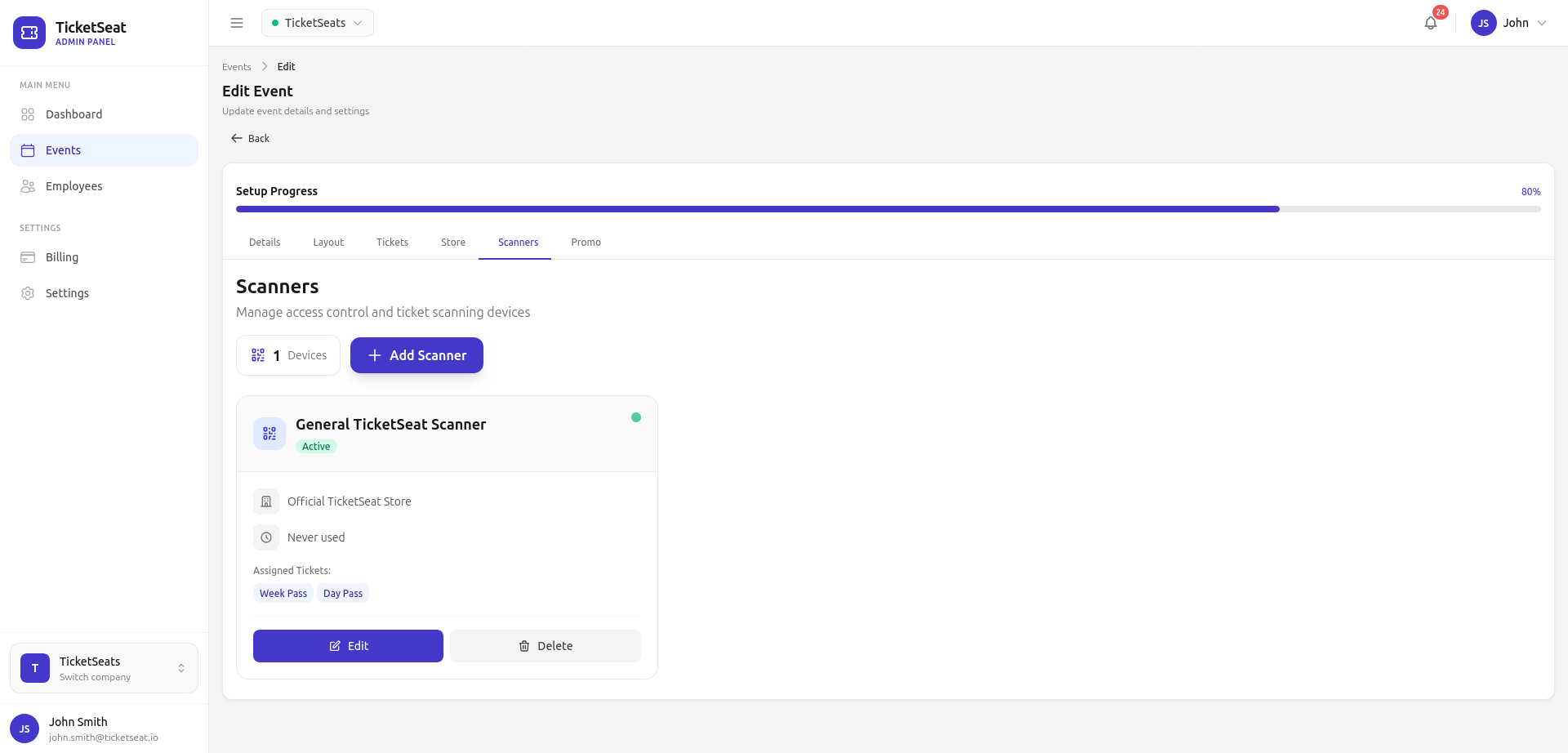
More importantly, ensure your Wi-Fi or cellular connection is rock solid. Venue entrances notoriously suffer from spotty service due to thick concrete walls. Invest in a dedicated 4G/5G portable hotspot strictly reserved for your door staff devices. Do not let guests connect to this network. If you're currently dealing with slow, unreliable technology, it might be time to read up on How to Choose the Best Box Office Software for Your Venue to find a system that better supports rapid scanning.
Training Your Door Staff for Maximum Efficiency
Even the best technology will falter if the people using it are unprepared. Your door staff are the conductors of the crowd, and they need to execute their duties with confidence and speed.
The Golden Rules of Ticket Scanning
Train your team to take command of the line. Staff should proactively call out to approaching guests, reminding them to have their screen brightness turned up and their QR codes ready on their phones.
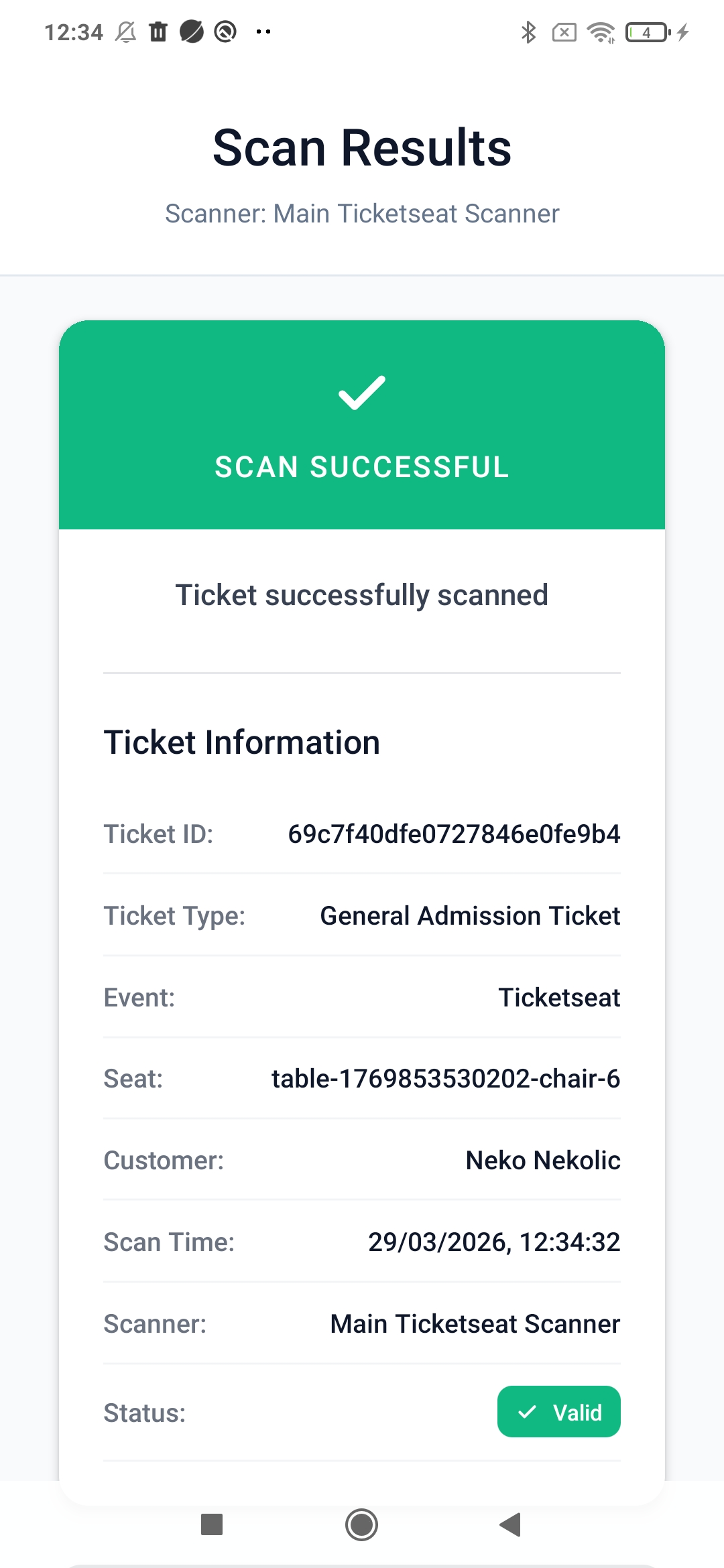
When a bottleneck occurs—for instance, an attendee whose phone dies or who brought the wrong night's ticket—the golden rule is "Pull them aside." The main scanning lane must never stop. Instruct your door staff to politely ask the attendee to step aside to a troubleshooting desk or the box office, immediately welcoming the next guest in line.
Managing the Guest List and VIPs
Handling the guest list is historically a slow, tedious process that involves flipping through alphabetized clipboards in the dark. Modern event check-in requires ditching the paper entirely.
Equip your door staff with a digital tablet or smartphone that has the guest list pre-loaded. Digital lists allow staff to type the first three letters of a name to instantly pull up the guest. A digital guest list not only boosts check-in speed to just a few seconds per VIP, but it also accurately tracks when those VIPs entered the building in real-time.
System Permissions and Security
When granting staff access to your event's backend on show night, security is paramount. You don't want a temp scanner accidentally altering ticket prices or viewing sensitive financial payout data.
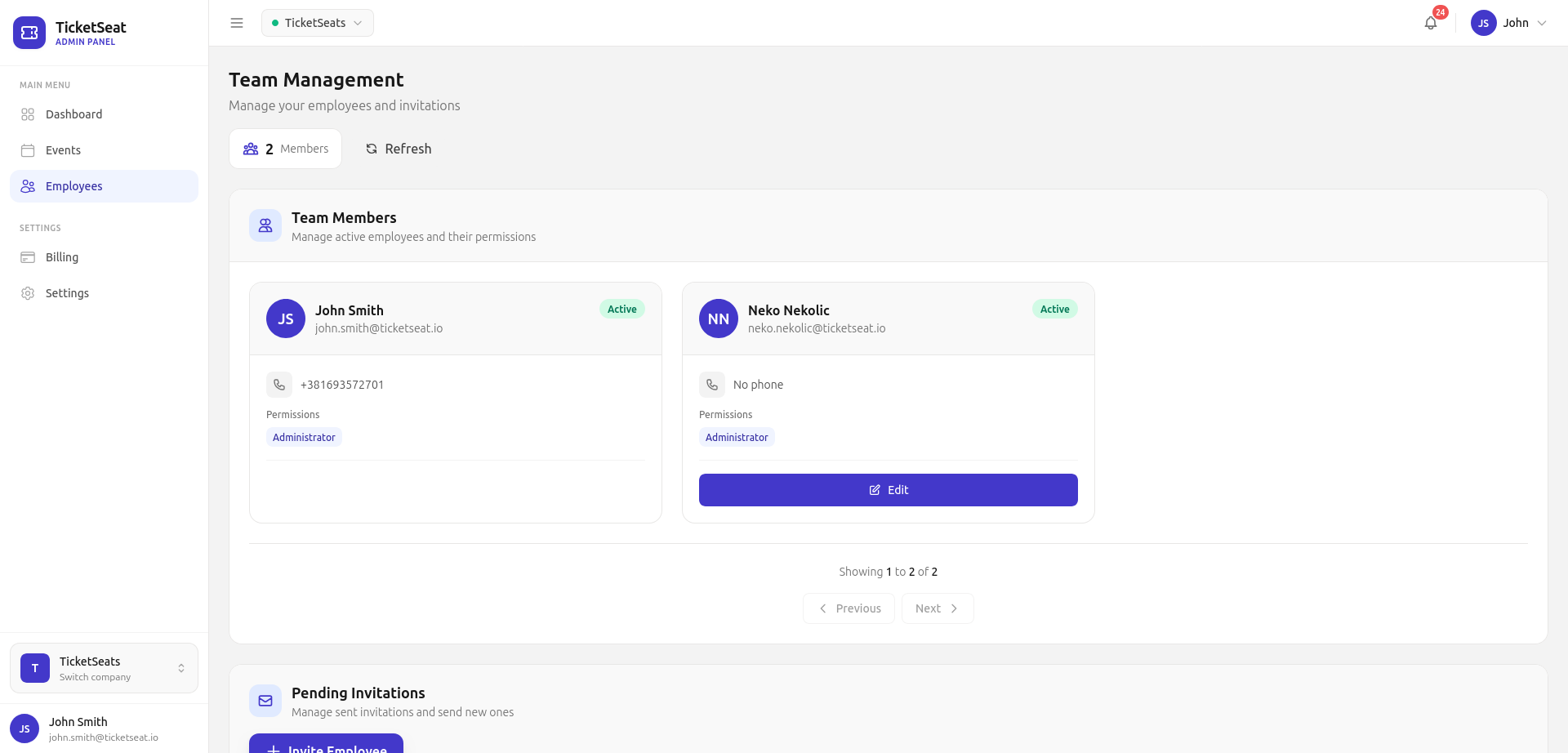
Ensure your ticketing software utilizes role-based permissions. Assign your door staff strict "Scanner Only" roles, meaning they can only validate tickets and search the guest list, nothing else.
Modern vs. Traditional Entry Management Methods
To understand just how much technology has revolutionized the door, let's compare the traditional entry methods of the past to modern digital standards.
| Feature | Traditional Check-In (Paper/Clipboards) | Modern Check-In (Scanner Apps) |
|---|---|---|
| Ticket Validation | Visually inspecting paper tickets or wristbands. | Millisecond QR code scanning via mobile apps. |
| Fraud Prevention | Extremely low. Easy to pass fake or duplicated tickets. | High. Software instantly flags duplicate tickets. |
| Guest List Handling | Fumbling through disorganized paper packets in the dark. | Instant digital search bar; one-tap check-in. |
| Data & Tracking | None. Post-event attendance is a rough guess. | Real-time dashboards showing drop-off rates and peak times. |
| Check-In Speed | 10-30 seconds per attendee. | 2-4 seconds per attendee. |
What to Do When Bottlenecks Happen
No matter how prepared you are, friction points will emerge. The key to excellent entry management is having contingency plans ready to deploy at a moment's notice.
The Wi-Fi Drops
This is the nightmare scenario for any organizer. If the venue's internet goes down, your scanners stop communicating with the central server. The solution is dual-fold. First, always have that dedicated portable cellular hotspot mentioned earlier. Second, ensure your ticketing platform has a sturdy architecture that allows devices to rapidly sync data the moment a connection is reestablished, preventing data loss.
Fraudulent or Duplicate Tickets
Third-party scalping and screenshot sharing are rampant. When an attendee approaches and their scanned QR code flashes a "Ticket Already Scanned" warning, your door staff must be trained on the protocol. Typically, the original purchaser is required to show the credit card used or a government-issued ID matching the order. Do not argue in the main lane; move the dispute to the box office to maintain your baseline check-in speed.
Promo Code and Will Call Clarification
Sometimes guests will attempt to claim a discount at the door, citing a promotion they saw online. While running promotions is critical—as detailed in our guide Event Promo Codes: 7 Discount Strategies That Actually Drive Ticket Sales—all of this should be handled at the box office window, not the scanning podium. Strictly enforce the rule that the scanning lane is only for fully finalized tickets.
Analyzing Your Data Post-Event
The check-in process doesn't end when the final guest enters; it ends when you review the data the next morning. Look at your entry heat maps in your ticketing platform. At what time did the bulk of your attendees arrive?
If you notice that 80% of your crowd arrived in a narrow 20-minute window, you know you need to schedule extra door staff for that specific rush at your next event. Conversely, if you see high scan rates early in the evening, you might want to open doors 30 minutes sooner next time to maximize bar revenue.
Frequently asked questions
What is the fastest way to check guests in?
Using a dedicated QR scanner app is the most efficient method for processing tickets. Scanning a digital or printed QR code takes only 1-2 seconds, drastically increasing your overall check-in speed compared to manual name searches or visual inspections.
How many door staff members do I need?
A solid baseline is one scanning lane per 250 attendees if you want to clear the line quickly, assuming bag checks are handled by a separate security team. Your door staff requirements will scale based on the complexity of your venue layout and peak arrival times.
How do I handle duplicate tickets or fraud?
Equip your door staff with a ticketing platform that validates entry in real-time. If a ticket has already been scanned, the scanner app will instantly flag it as a duplicate, preventing fraudulent entry, stopping arguments, and keeping your attendee data perfectly accurate.
What is the best way to manage the guest list?
Move entirely away from paper clipboards and integrate your guest list directly into your digital box office software. This allows your team to quickly type to search names and swipe to check people in, keeping the VIP and complementary lanes moving smoothly.
Upgrade Your Event Check-In with TicketSeat
Stop letting long lines ruin your attendees' experience before the show even starts. TicketSeat provides event organizers with everything they need to execute a flawless front-of-house operation. Our lightning-fast QR scanner app ensures your door staff can validate tickets in milliseconds, drastically improving your total check-in speed.
Whether you need robust entry management for thousands of fans, a digital guest list for your VIPs, or granular team permissions to keep your backend data secure, TicketSeat delivers. We offer flat transparent pricing, direct Stripe payouts, and zero contracts or setup fees—plus, free events are always completely free. Sell tickets through our stunning drag-and-drop venue designer (complete with reserved seating and GA zones) and run high-converting email campaigns all from one easy dashboard. Say goodbye to chaotic queues and start running better, more profitable events with TicketSeat today.
TicketSeat Team
Sharing insights about event ticketing, platform updates, and industry best practices.
Related Articles
View all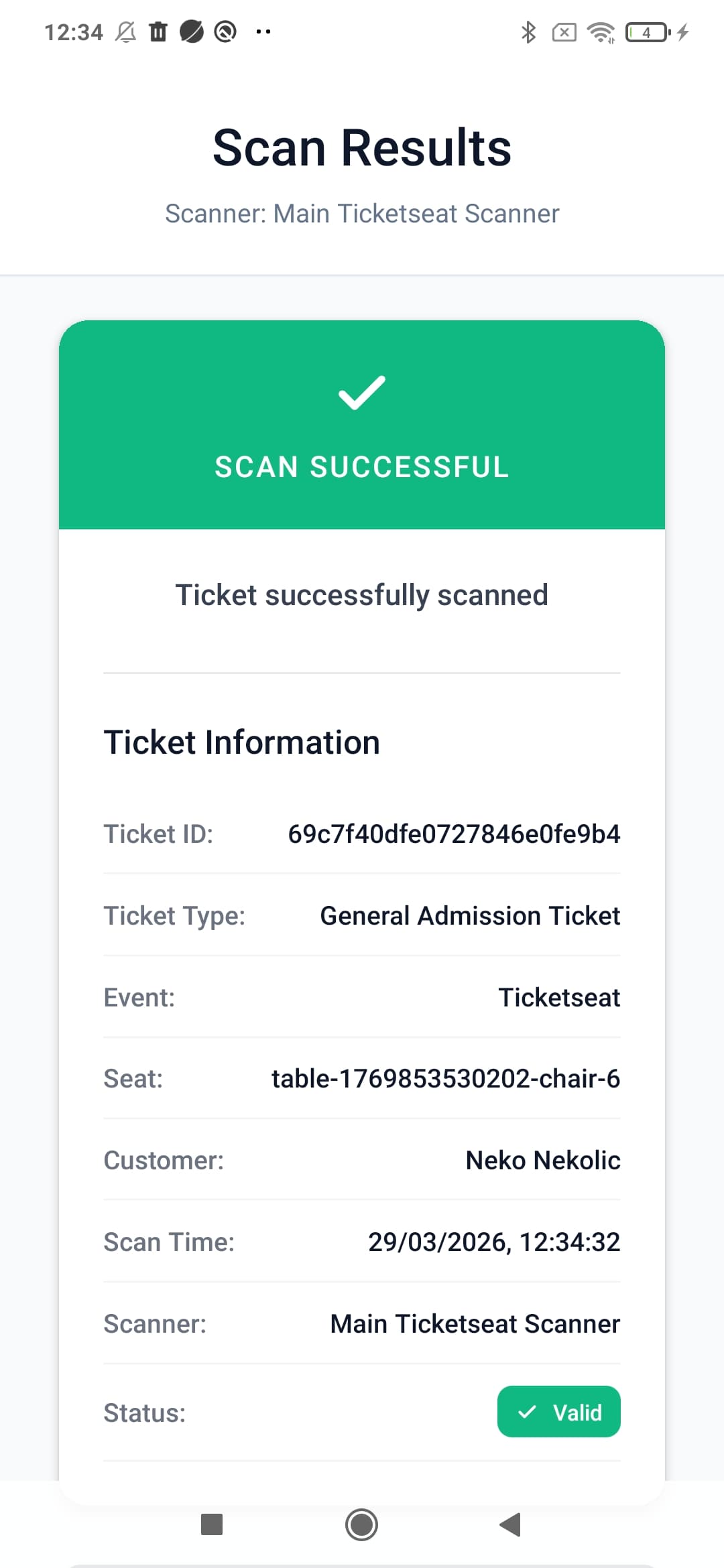
How to Prevent Ticket Fraud and Scalping at Your Events
Protect your event revenue and attendees by mastering ticket fraud prevention. Learn how to stop duplicate tickets, implement QR validation, and combat scalping.
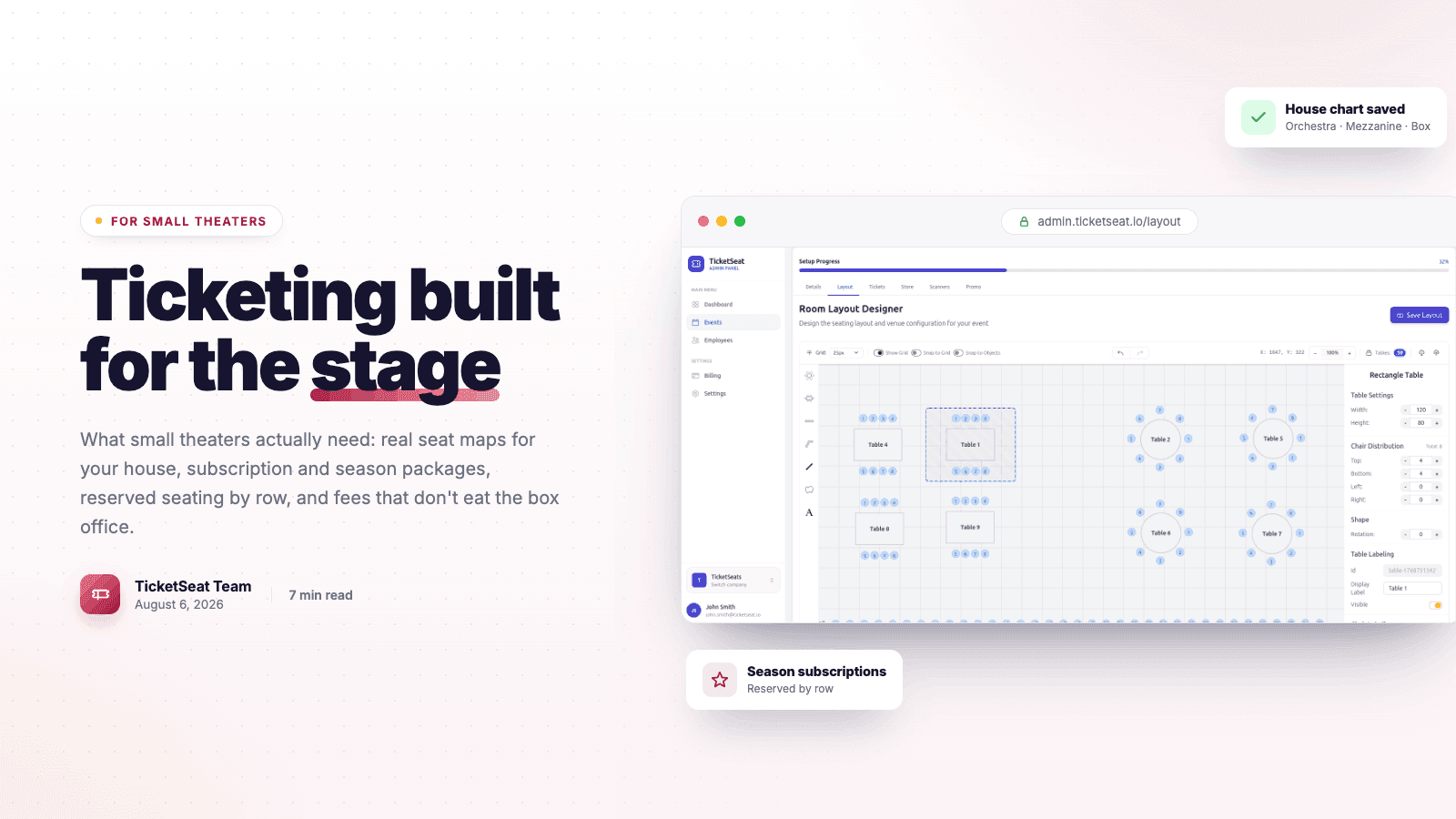
Theater Ticketing Software: What Small Theaters Actually Need
Finding the right theater ticketing software shouldn't mean paying for bloated features. Learn how small theaters can leverage reserved seating, intuitive box office tools, and interactive seating charts to boost revenue and delight patrons.
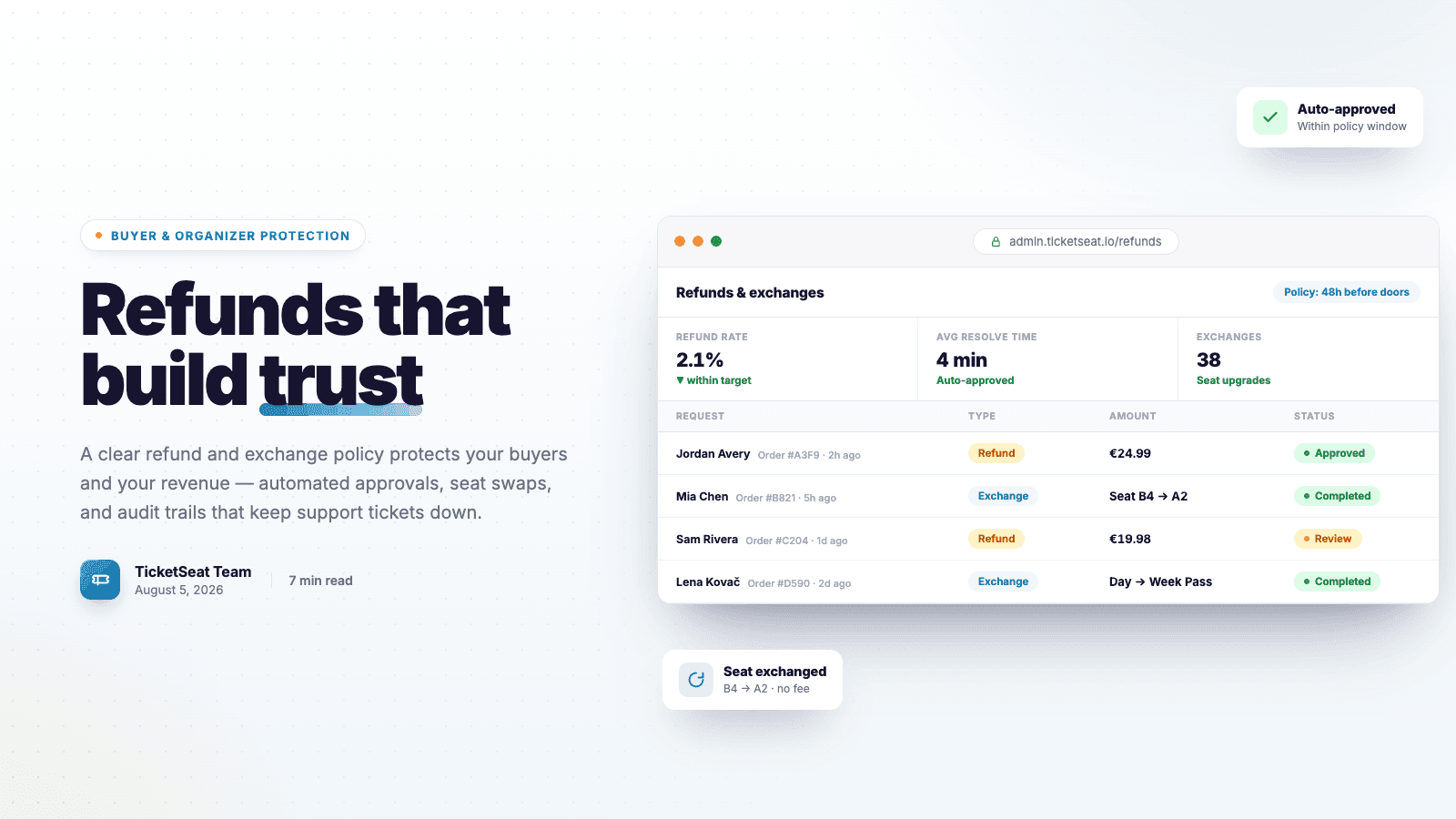
Ticket Refunds and Exchanges: Protection For Organizers AND Buyers
Learn how to write an airtight ticket refund policy that protects your event revenue. Discover best practices for handling refunds, processing exchanges, and preventing costly chargebacks.
Compare Ticketseat
See how Ticketseat stacks up against other ticketing platforms.
Ready to Transform Your Event Ticketing?
Join thousands of event organizers who trust Ticketseat for their ticketing needs.