
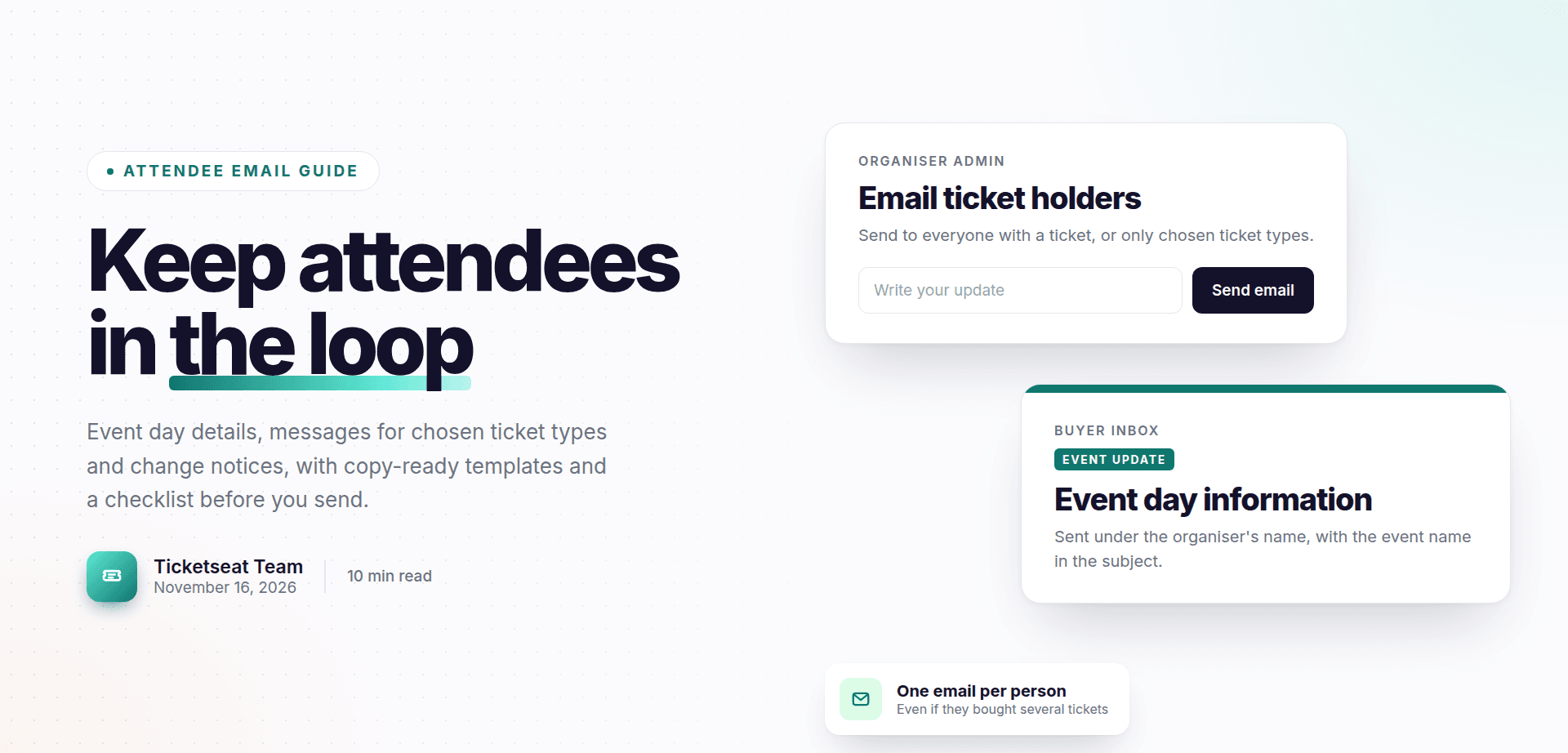
Once tickets are sold, your job shifts from selling to keeping buyers informed. Knowing how to email event attendees well means fewer confused messages, shorter queues at the door and far less stress if plans change. This guide covers the practical emails you send after the sale: the event day information email, messages to one group of ticket holders, and change or cancellation notices. You will also find copy-ready templates and a checklist to run through before you press send.
Why emailing ticket holders is different from event marketing
Marketing emails try to persuade people to buy. Emails to ticket holders go to people who have already bought. Their goal is clarity, not selling.
A ticket holder opening your email wants to know three things quickly: what has changed or what they need to know, whether they need to do anything, and where to go if they have a question.
Common reasons to email ticket holders include:
- Event day information, often called a know before you go email
- A timing change, such as a later start or an extra support act
- Venue, entrance or access updates
- Postponements
- Cancellations
When organisers improvise these emails, the same problems come up again and again. Addresses get copied out of a spreadsheet that is two days old. Someone who bought four tickets in four separate orders gets the email four times. A buyer who was refunded last week is told to arrive at 7pm for a show they no longer have a ticket for.
If you are planning emails to sell more tickets before the event, read our guide to event email marketing campaigns and timing. This post focuses on the operational emails that come after.
Where to send from: spreadsheets, mail tools or your ticketing platform
There are broadly three ways to email ticket holders.
From your own inbox. You export a list of buyers and paste the addresses into a new email. This is quick, but risky. The classic mistake is putting everyone in CC instead of BCC, which shares every buyer's email address with every other buyer. That is a privacy problem as well as an embarrassment. The UK's data protection regulator, the Information Commissioner's Office, has guidance on handling personal data if you want to check your responsibilities.
From a mailing tool. You import the exported list into a newsletter service. This handles BCC for you, but the list is a snapshot. Anyone who buys after the export is missed, and anyone refunded after the export is still on it. You also need to remove duplicates by hand.
From your ticketing platform. The system that sold the tickets already knows who holds a valid ticket right now. Sending from there removes most of the problems above, because there is no copy of the list to go stale.
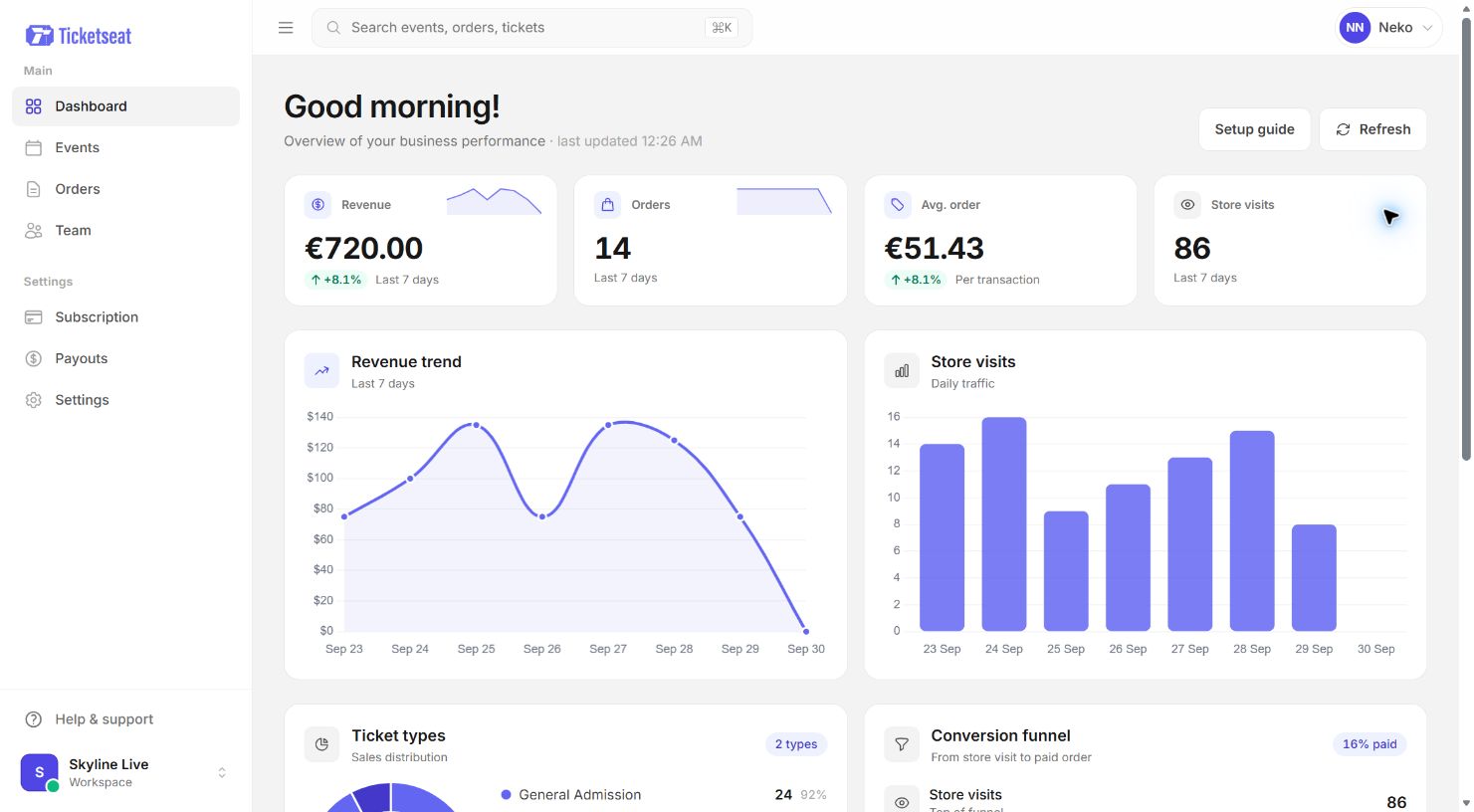
In Ticketseat, you send ticket holder emails from the admin. You can email everyone holding a ticket for an event, or only holders of the ticket types you choose. Each person gets one email, even if they bought several tickets, and refunded tickets are left out. The email goes out under your name as the organiser, and the subject starts with the event name, so attendees can see straight away which booking it is about.
The event day information email: what to include
This is the most useful email you will send. A good event day information email answers questions before they reach your inbox or your door staff.
The essentials
- Date and times: the date, doors time, start time and expected finish. If there is an interval, say roughly when.
- Venue address: the full address with postcode, plus a map link.
- Getting there: nearest train, tube or bus stop, and parking options or the lack of them.
- Accessibility: step-free entrance, accessible toilets, lifts, and who to contact about access needs.
What to bring
- Their ticket, either on their phone or printed. If you use QR code tickets, remind people to have the code ready before they reach the front of the queue. Our guide to how QR code e-tickets work explains this from the buyer's side.
- Photo ID if the event is age-restricted.
- Anything specific to the event, such as a laptop for a workshop or warm clothing for an outdoor screening.
Entry and on the night
- How entry works and which door to use
- Bag policy and any banned items
- Re-entry rules
- Bar, food and cloakroom details, including whether the bar takes cash
Clear instructions here have a direct effect on the door. People who arrive with their ticket open and know which entrance to use move through much faster. Our guide to event check-in best practices covers the door side in more detail.
Seating notes for reserved-seat events
If your venue has reserved seating, tell people which entrance serves which section. For example: "Stalls rows A to K, please use the main doors. Circle, please use the side entrance on King Street." This one line can save a lot of backtracking in the foyer.
When to send it
Send the main email two to three days before the event. That gives people time to plan travel and ask questions. For evening shows, a short event reminder email to attendees on the morning of the event works well. Keep it to the key facts: doors time, address and a reminder to have tickets ready.
Emailing only some ticket holders
Not every message is for everyone. When information applies to one group only, sending it to all buyers causes confusion. A standard ticket holder who reads "please arrive at 5.30pm for your meet and greet" will wonder whether they have missed something.
Good reasons to email attendees by ticket type include:
- VIP or meet and greet holders: a separate entrance, an earlier arrival time, or a wristband collection point.
- Accessible seating: step-free routes, a quieter entrance or a named contact.
- Day passes and weekend passes: a festival might open Saturday gates earlier than Friday, so only Saturday and weekend pass holders need that message. Our guide to selling day and weekend passes covers how to structure these tickets.
- Workshop or add-on tickets: a room number, a kit list or a different start time.
- Group bookings: where the group leader collects tickets or a reserved table.
In Ticketseat, you choose the ticket types before sending, so only holders of those tickets receive the email. Everyone else is left alone.
How to email event attendees about changes, delays or cancellations
Change emails are the ones people read most carefully, and the ones most likely to cause frustration if they are vague.
Follow three rules:
- Put the change first. The subject line and the first sentence should say what has changed. Do not open with a long apology or background.
- Say what the attendee needs to do. Often the answer is "nothing, your ticket is still valid". Say so clearly.
- Give a contact route. One email address or phone number for questions.
What each type of event change notification email must cover
| Change | What the email must cover |
|---|---|
| Timing change | Old time, new time, whether doors time also changes, and that tickets remain valid |
| Venue change | New venue name and address, transport and parking, any new entry details, and options if the new venue does not work for someone |
| Line-up change | Who is no longer appearing, who replaces them if anyone, and whether refunds are offered |
| Postponement | The new date if known, whether tickets transfer automatically, and refund or exchange options with a deadline |
| Cancellation | That the event will not go ahead, how refunds work, how long they take, and whether buyers need to do anything |
Explaining refunds and exchanges
Be specific. "Refunds will be processed" is not enough. Say whether refunds are automatic or need a request, which payment method they go back to, and roughly how long they usually take. Link to your refund policy. If you need to decide what to offer, our guide to ticket refunds and exchanges walks through the options.
Tone
Apologise once, sincerely, then move on to facts. Avoid vague phrases like "due to unforeseen circumstances" if you can give a simple reason. People are far more understanding when they are told plainly what happened and what comes next.
Copy-ready templates
Replace anything in square brackets. Keep the subject short, because many phones cut it off.
Know before you go
Subject: Your guide for [day, date]

Hello,

We look forward to seeing you at [event name] on [day, date].

Times
Doors: [time]
Start: [time]
Expected finish: [time]

Venue
[Venue name, full address, postcode]
[Map link]
Nearest station: [station], [walking time] walk.
Parking: [details].

Your ticket
Please have your ticket ready on your phone or printed.
[If age-restricted: Please bring photo ID.]

On the night
Bags: [policy]
Re-entry: [policy]
Bar: [card only / cash and card]

Access
[Step-free entrance details]. For access questions, contact [email].

Questions? Reply to this email or contact [email/phone].

See you soon,
[Your name or organisation]
Day-of reminder
Subject: Tonight: doors at [time]

Hello,

A quick reminder that [event name] is tonight.

Doors: [time]. Start: [time].
Venue: [name, address, postcode].

Please have your ticket ready before you reach the door.

See you later,
[Your name or organisation]
Time or venue change
Subject: Change of [start time / venue]

Hello,

[Event name] on [date] will now [start at new time / take place at new venue].

What has changed:
[Old time or venue] is now [new time or venue].

What you need to do:
Nothing. Your ticket is still valid.

If the change means you can no longer attend, [explain refund or exchange option] by [deadline]. Our refund policy is here: [link].

We are sorry for any inconvenience. Questions: [email/phone].

[Your name or organisation]
Postponement
Subject: Postponed to [new date]

Hello,

[Event name] has been postponed from [original date] to [new date].

Your ticket is valid for the new date. You do not need to do anything.

If you cannot attend the new date, you can [request a refund / exchange] by [deadline]. Here is how: [steps or link].

We are sorry to change your plans. Thank you for your patience.

Questions: [email/phone].

[Your name or organisation]
Cancellation
Subject: Cancelled: [date]

Hello,

We are very sorry to tell you that [event name] on [date] has been cancelled because [short, honest reason].

Your refund
[Refunds will be made automatically to the card you paid with / Please request your refund here: link].
Refunds usually take [timeframe] to appear.

Our full refund policy: [link].

Thank you for supporting [event or organisation]. Questions: [email/phone].

[Your name or organisation]
Message to one ticket type only
Subject: VIP arrival details

Hello,

Thank you for booking a VIP ticket for [event name].

VIP entry is through [entrance] from [time], ahead of general doors at [time].

Please collect your wristband from [location] and have your ticket ready.

Your meet and greet starts at [time] in [location].

See you there,
[Your name or organisation]
Pre-send checklist and common mistakes
Run through this list every time you send event updates to ticket holders.
- Check the recipients. Is this for the whole event or only selected ticket types? Sending VIP details to everyone is a common slip.
- Proofread every fact. Times, dates, addresses, postcodes and links. Click every link.
- Send a test to yourself first if your tool allows it, and read it on your phone.
- Keep it scannable. Short headings and bullet points. Most people read on a phone, often while travelling.
- Use a sender name people recognise. An email from a name they do not know is easy to miss or mark as spam. Ticketseat sends under your name as the organiser, which helps attendees recognise it.
- Do not over-send. If you have two small updates, combine them. Too many emails train people to stop reading.
- Decide who sends on show day. In Ticketseat, a team member needs permission to edit the event before they can send ticket holder emails. Sort this out in advance, so whoever runs comms on the day is not locked out when a train strike hits.
Common mistakes to avoid:
- Using CC instead of BCC when sending from a personal inbox
- Sending from an old exported list that misses late buyers
- Burying the change in the third paragraph
- Forgetting to say whether tickets are still valid
- Promising refunds without saying how or when
How Ticketseat helps
Ticketseat lets you email ticket holders straight from the admin, either everyone with a ticket for the event or only the ticket types you pick. Each person gets one email even if they bought several tickets, refunded tickets are left out, and the email arrives under your name with the event name at the start of the subject. Team members with permission to edit the event can send these emails too, so updates do not depend on one person. You can see everything else Ticketseat offers on the features page.
To send your next event update from the same place you sell tickets, start free at ticketseat.io.
Frequently asked questions
How do I email everyone who bought a ticket to my event?
The most reliable way is to send from the ticketing system that holds your live ticket list, so late buyers are included and refunded buyers are not. If you export a list instead, export it just before sending and always use BCC so addresses stay private. In Ticketseat you can email everyone holding a ticket for an event directly from the admin.
When should I send event information to attendees?
Send the main event day information email two to three days before the event. That gives people time to plan travel and ask questions. A short reminder on the morning of the event is optional but useful for evening shows and busy venues.
What should a know-before-you-go email include?
Include the date, doors time, start time and expected finish, the venue address, transport and parking, and accessibility details. Tell people to have their ticket ready on their phone or printed, and mention ID if the event is age-restricted. Add your bag policy, re-entry rules and a contact for questions.
How do I tell attendees an event has been postponed or cancelled?
Put the news in the subject line and the first sentence, then give the new date or confirm the cancellation. Explain clearly what happens to tickets, whether they stay valid, can be exchanged or will be refunded, and by when. Apologise once, link to your refund policy and give a contact route.
Can I email only VIP or specific ticket holders?
Yes, as long as your ticketing system lets you filter by ticket type. This is the best approach when information applies to one group only, such as a separate VIP entrance or an earlier arrival time. In Ticketseat you choose the ticket types before sending, so only holders of those tickets receive the email.
Ticketseat Team
Sharing insights about event ticketing, platform updates, and industry best practices.
Related Articles
View all
Event Waitlist: What to Do When Your Event Sells Out
A practical playbook for the moment your event sells out: how to run a fair waitlist, when to add capacity, and how to word messages so fans stay on your side.
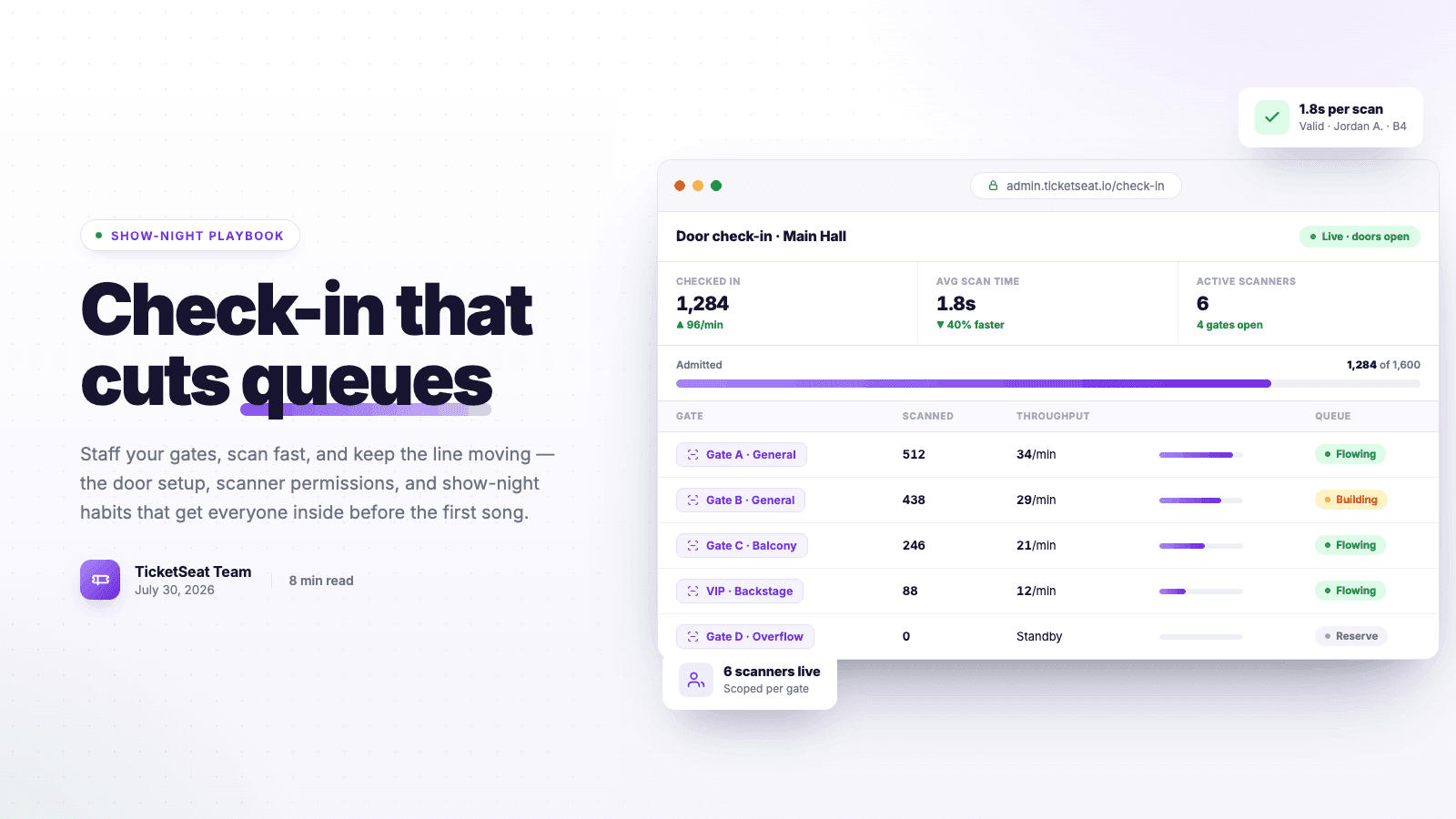
Event Check-In Best Practices: Cut Queues on Show Night
Master your event check-in process to eliminate long queues and elevate the attendee experience. Learn top strategies for entry management, empowering door staff, and boosting your check-in speed.

Event Promo Codes: 7 Discount Strategies That Actually Drive Ticket Sales
Strategically using event promo codes can dramatically increase your ticket sales. Learn seven actionable discount code strategies to boost overall conversion, reward VIPs, and drive urgency without devaluing your brand.
Compare Ticketseat
See how Ticketseat stacks up against other ticketing platforms.
Ready to Transform Your Event Ticketing?
Create your event page, sell tickets with seat maps, and scan guests in at the door. Free to start.