
Selling out is the moment every organiser works towards. It is also the moment you start losing people. Someone lands on your page, sees there are no tickets left, and closes the tab. An event waitlist gives that person a next step, and it gives you a way to fill every seat that frees up between now and show night.
This guide is a practical playbook for what to do when your event sells out. It covers the first hour, how to run a fair waitlist for event tickets, when to release more tickets, and how to word your messages so fans feel looked after rather than shut out.
Why every sold-out show needs an event waitlist
A sold-out page with no next step is a dead end. The buyer who wanted to come has nowhere to go except a resale site, a competitor's gig or nowhere at all. You have lost them, and you have no way to reach them later.
Sold out also rarely stays sold out. People get ill. Babysitters cancel. Work trips get moved. Refunds and cancellations free up seats right up until the doors open. On a sold-out night, every empty seat is money you have already earned once and then lost again.
A sold out event waitlist solves three problems at once:
- It keeps the buyer. They leave an email address instead of leaving for good.
- It fills cancellations. Returned tickets go to people who have already said they want them.
- It shows real demand. Fifty names on the list for a 120-seat comedy night tells you something. Four hundred tells you something very different.
That last point matters more than most organisers realise. A waitlist is the clearest evidence you will get that a second date, a bigger room or a longer run would sell.
What to do when your event sells out: the first hour
The first hour after selling out is when the most people turn up to an empty page. Work through this quick checklist.
1. Check your event page
Open your event page as a buyer would, ideally on a phone. It should say clearly that the event is sold out, and it should give people an obvious way to join a waitlist. If the page still shows a "Buy" button that leads to an error, fix that first.
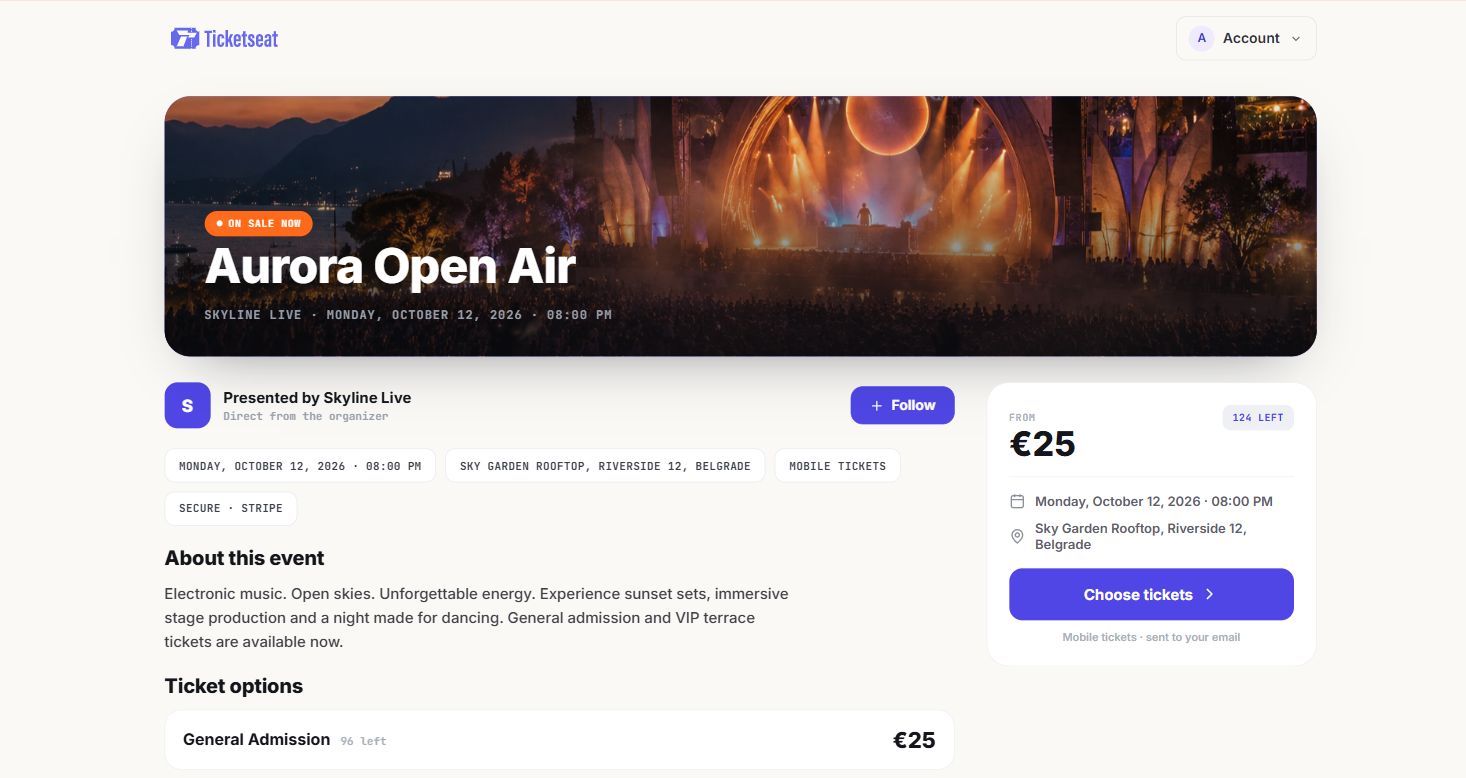
On Ticketseat, a fully sold-out event page shows "All sold out" with an email field to join the waitlist for cancellations. There is nothing to switch on.
2. Tell people on social media
Post that the show is sold out and point people to the waitlist on your own page. Say plainly that it is the only official way to get returned tickets. This steers fans away from touts and resale listings, which is one of the simplest ways to protect your audience from ticket fraud and scalping.
3. Review your held seats
Most events hold some seats back. Common examples:
- Crew and artist guests
- Press and reviewers
- Accessible seating and companion seats
- Seats with a restricted view you were not sure about
Decide now which of these you will release, and when. Accessible seats are often best held until closer to the date, because people who need them may book later. Guest lists tend to firm up a few days before the show.
4. Brief front-of-house
Someone will phone, email or walk in asking "any tickets left?". Give your box office, bar staff and volunteers one consistent answer, such as: "It's sold out, but you can join the waitlist on the website and you'll get an email if tickets come back."
Whole-event waitlist vs per-ticket-type waitlist
Demand rarely runs out evenly. Usually one ticket type sells out first while others are still available. Typical examples:
- Early bird tickets at a festival go in days, while standard tickets keep selling.
- Concessions at a school play run out because families buy them in fours.
- Front rows at a theatre sell first, while the back of the circle is still open.
- Table seating at a cabaret night goes before standing tickets.
If your only option is a whole-event waitlist, you cannot capture this. The person who wants front-row seats sees the back rows still on sale, decides that is not what they wanted, and leaves. That is demand leaking out through the cheaper or less popular seats.
A per-ticket-type waitlist fixes this. Buyers can ask to be told when the exact ticket type they want comes back, while still being able to buy something else if they change their mind.
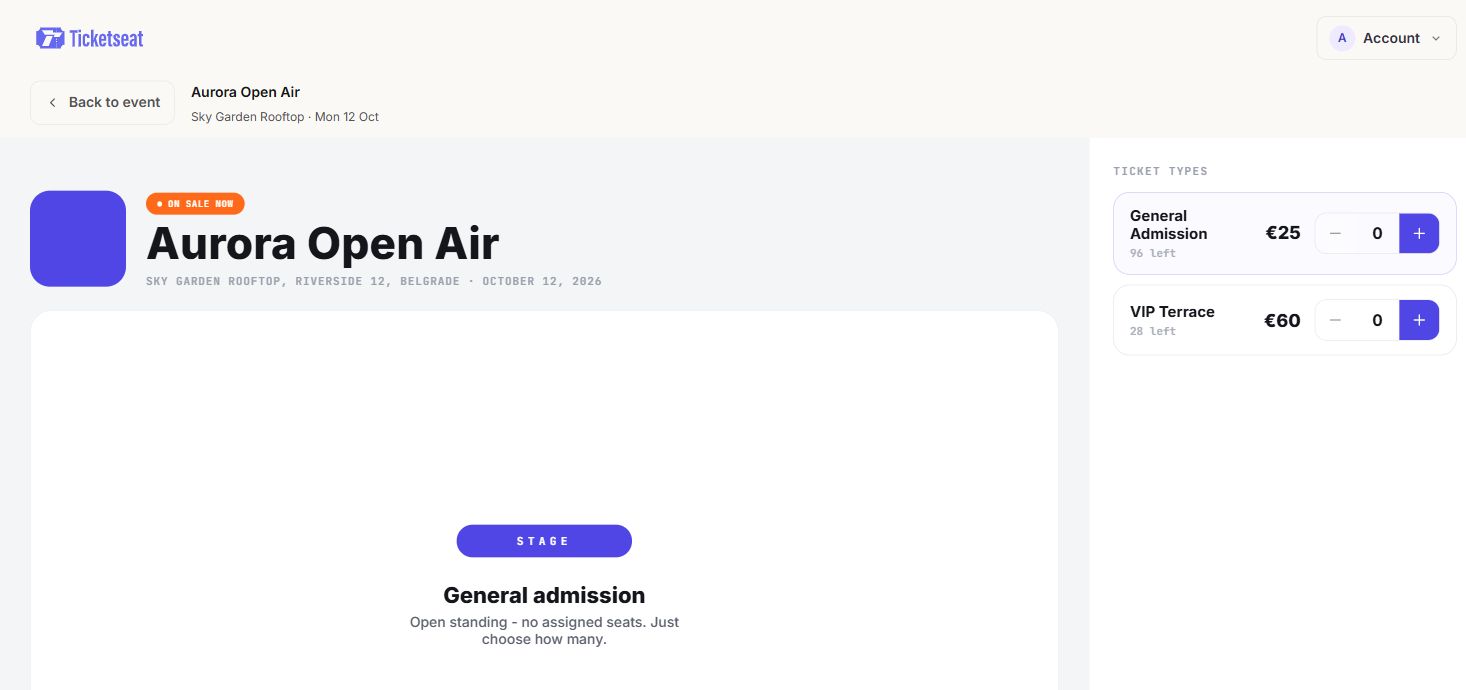
On Ticketseat, a sold out ticket type shows its own email field so buyers can ask to be notified, while other types stay on sale. When every type is gone, the page switches to "All sold out" with a waitlist for the whole event. No setup is needed for either.
How a fair waitlist works when a ticket frees up
Fairness is what fans care about most. If they sign up early and someone who joined later gets the ticket, they will feel cheated. A good ticket waitlist for cancellations follows two simple rules.
First come, first notified
The person who joined first hears first. That is easy to explain and easy to defend.
On Ticketseat, when an order is refunded and a place opens up, the person who joined the waitlist first for that ticket type gets an email saying tickets just opened up, with a button to get tickets. If nobody is waiting for that specific type, the earliest sign-up for the whole event is emailed. Refunds are what open up most waitlist places, so it is worth having a clear refund and exchange policy for organisers and buyers in place before you sell out.
A heads-up, not a reservation
There are two ways to handle a freed ticket:
| Approach | What happens | The risk |
|---|---|---|
| Reservation | The ticket is held for the notified person for a set time | The seat sits unsold while they miss the email, are at work or have moved on |
| Heads-up | The notified person is told, and the ticket goes back on sale | Someone else may buy it first |
For most independent events, the heads-up model works better. Tickets do not sit locked while someone ignores an email on the day of the show. The seat stays available to anyone who wants it, and the person on the waitlist gets a fair head start because they hear about it first.
Ticketseat uses the heads-up model. The email tells people tickets just opened up, the freed ticket goes back on sale, and the first person to buy it gets it.
Explain it in one honest line
Put one sentence near your waitlist, in your social posts and in your front-of-house script:
"Join the waitlist to get an email if tickets come back. Joining doesn't reserve a ticket, so be quick when the email arrives."
That sentence prevents almost every complaint. People are fine with a fair race. What upsets them is a promise that is not kept.
Adding capacity: release more tickets, a new ticket type or a second show
A long waitlist is a nice problem to have. The question is whether to act on it.
Signs it is worth adding more
- The waitlist is large relative to your capacity. A list that is a quarter or more of your room size is worth taking seriously.
- You sold out fast. Selling out in a day says more than selling out the week of the show.
- One ticket type went much faster than the rest. This may point to a pricing or layout change rather than more capacity.
- Your venue and licence allow it. Never go over your licensed capacity, and check fire and safety limits with the venue before adding anyone.
Whatever system you use, look at how fast each ticket type sold before you decide. A sales dashboard with analytics by ticket type makes this a two-minute job rather than a spreadsheet exercise.
Your options
- Release held seats. Crew, press or production seats that are no longer needed.
- Open standing room. If the venue allows it, a small standing allocation at the back can work well for gigs and comedy.
- Add a new ticket type. For example, restricted-view seats you had left off sale.
- Add another performance. A Saturday matinee, a late show or a second night. For a community theatre or school production, an extra dress rehearsal open to families is often easy to add.
When you add more tickets or a new ticket type on Ticketseat, everyone on that event's waitlist gets the email at once. That means your most interested buyers hear about the new tickets before you have even written a social post.
Writing waitlist messages that sound like you
A waitlist email is short, but it has a job to do. It has to get someone from their inbox to your checkout before someone else does.
What a good "tickets just opened up" email contains
- The event name, so there is no confusion if they follow several shows.
- The date and venue, so they can check they are still free.
- One clear button to get tickets.
- Urgency without pressure. "Tickets are back on sale now" works. "Hurry, only minutes left" feels pushy, and is usually not true.
Keep it short. The reader already knows they want the ticket. Your job is to get out of the way.
Keep your brand
Fans signed up to hear from you, not from a ticketing company they have never heard of. Ticketseat sends the waitlist email under the organiser's name and brand colour, so it looks like it came from your venue or event.
No spam, no list tidying
Each person on a Ticketseat waitlist gets the email once and is then taken off the list. Nobody gets five emails about the same show, and you do not have to clean up lists afterwards.
If you want to build on this with regular newsletters, on-sale announcements and reminder emails, see this guide to event email marketing campaigns and timing that fill seats.
Mistakes that annoy fans and cost sales
Promising a guaranteed seat
"Join the waitlist and you'll definitely get in" sounds friendly. It turns into an angry email when they do not get a ticket. Be clear that the waitlist means first notice, not a reserved seat.
Silence
No sold-out notice, no waitlist, no social post. People keep refreshing the page, message you directly, or give up and buy from a tout at an inflated price. Some of those tickets will not scan at the door, and the fan will blame you.
Releasing seats quietly
You free up ten seats from the guest list and put them back on sale without telling anyone. They sell to whoever happened to look, and the people who asked to be told hear nothing. If you release tickets, make sure the waitlist hears first.
Ignoring the demand signal
The show ends and the waitlist is forgotten. That list is the best planning information you have. Use its size to decide on a bigger venue, a longer run or a second date next season.
How Ticketseat helps
Ticketseat builds the waitlist into every event page, so there is nothing to set up when you sell out. A sold-out event shows "All sold out" with a waitlist email field, and a sold-out ticket type shows its own email field for people who want to be notified, while the rest stay on sale.
When an order is refunded, the earliest sign-up for that ticket type hears first, then the earliest for the whole event. When you add more tickets or a new ticket type, everyone on the waitlist is emailed. The emails go out under your name and brand colour, each person gets one once, and the ticket goes to whoever buys it first, so seats never sit locked and unsold.
Ticketseat is free to start, so you can set up your next event at ticketseat.io and have a waitlist ready before you sell out.
Ticketseat Team
Sharing insights about event ticketing, platform updates, and industry best practices.
Related Articles
View all
Event Promo Codes: 7 Discount Strategies That Actually Drive Ticket Sales
Strategically using event promo codes can dramatically increase your ticket sales. Learn seven actionable discount code strategies to boost overall conversion, reward VIPs, and drive urgency without devaluing your brand.
How to Email Event Attendees: Updates, Reminders and Templates
A practical guide to the emails you send after the sale: event day information, messages to specific ticket types, and change or cancellation notices, with copy-ready templates and a pre-send checklist.
Event Check-In Best Practices: Cut Queues on Show Night
Master your event check-in process to eliminate long queues and elevate the attendee experience. Learn top strategies for entry management, empowering door staff, and boosting your check-in speed.
Compare Ticketseat
See how Ticketseat stacks up against other ticketing platforms.
Ready to Transform Your Event Ticketing?
Create your event page, sell tickets with seat maps, and scan guests in at the door. Free to start.